What is an embedded wallet, and is it really self-custody?
An embedded wallet has no seed phrase, but the key still exists. Four questions that tell you whether you actually control it.
An embedded wallet is a crypto wallet created inside an app you're already using, usually with an email or social login and no seed phrase to write down. The obvious question is whether someone else is holding your crypto. That depends on the architecture underneath, and "no seed phrase" tells you nothing either way. This guide covers how these wallets handle keys, four questions that tell you whether one is genuinely self-custodial, and what happens when you lose your phone.
Last updated: August 2026
What is an embedded wallet?
An embedded wallet is a non-custodial wallet created inside an app, as Openfort's developer guide puts it — set up during onboarding rather than installed separately. You sign in with email, a social account, or a passkey, and the wallet appears. No extension to install, no separate app to switch to, and usually no twelve words to record.
The design exists because the alternative loses people. Install a browser extension, write down a recovery phrase, understand why that phrase matters — all before using the product once. That's where most mainstream users stop.
Coin98 Super Wallet offers this as Social Wallet, which creates a multi-chain wallet from a Facebook, Google, Email, or Apple login. The Coin98 Telegram Wallet does something similar inside a messaging app.
| Seed phrase wallet | Embedded wallet | Custodial account | |
|---|---|---|---|
| How you get in | Recovery phrase or device | Email, social, or passkey login | Username and password |
| If you lose access | Restore from your phrase | Depends on the recovery model | Support resets it |
| If the company disappears | Wallet still works | Depends on key export | Funds are at risk |
The middle column is what this article is about. The honest answer is "it depends" — the rest of this guide is how to tell which one you have.
Where the private key actually lives
The key exists. You just don't handle it. What varies is how it's generated, split, and put back together, and that's what decides whether the provider could move your funds.
Openfort's guide groups the approaches into three families:
- Passkeys (WebAuthn) — the key is protected by your device's hardware and unlocked with biometrics. Phishing-resistant, because the credential is tied to the real domain.
- MPC / secret sharing — the key is split across your device, a server, and sometimes a guardian, so no single party can sign alone.
- Smart wallets — an account-abstraction contract account under ERC-4337 or EIP-7702, which allows batching and sponsored gas.
A well-built version of the second family works like this. The key is generated inside a trusted execution environment (TEE) — a sealed part of a processor that even the server's operators can't read into — and immediately split into two shares using Shamir's Secret Sharing. One share never leaves the enclave. The other is stored encrypted and released only when you've authenticated. The full key is never written to disk anywhere: it's briefly rebuilt inside the enclave to sign, then wiped. Signing also needs short-lived authorization tokens issued after you log in.
That's one provider's design, not a standard. Other embedded wallets make different choices, and some are weaker.
What the social login actually does. It proves who you are. That's all. Turnkey's explainer is direct: "Google never sees, holds, or creates the wallet's private key." Signing in tells the system to release your share. In Turnkey's design the login is also tied to a device keypair, so a stolen token isn't enough on its own — an attacker would need the session key on your device too.
Four questions that tell you if it's really self-custody
"Non-custodial" shows up in a lot of marketing. These four questions get a real answer, and the product's documentation usually settles them in a few minutes.
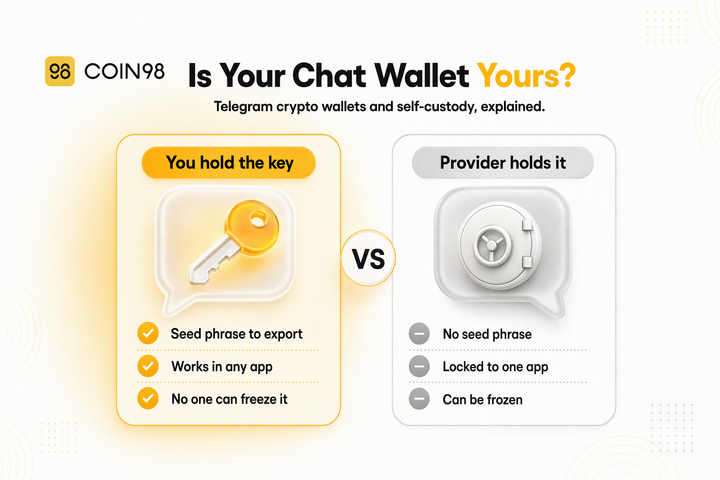
1. Can you export the private key or seed phrase? The strongest single test. If you can take the key out, the wallet is portable and you aren't locked to the app. Coin98's Telegram Wallet has a published procedure for retrieving your seed phrase or private key. Openfort notes key export is commonly offered for exactly this reason.
2. Does the provider hold a complete key at any point? In a properly sharded design, no complete key exists at rest anywhere. If the documentation doesn't say, treat it as unanswered rather than assuming the better case.
3. What happens if the provider goes offline? If an embedded wallet's infrastructure has an outage, wallet features in that app can go down with it. Ask whether you can still reach your funds another way — which usually loops back to question one.
4. Who runs recovery, and what can they do? If the provider can restore your access alone, think about what else that lets them do. If recovery needs something only you have, that's a stronger position.
For the underlying concepts, our explainers on custodial vs non-custodial wallets and what true self-custody requires cover the distinction in general terms.
Recovery: what happens when you lose the phone
Recovery is where embedded wallets differ most, and it's the thing to check before you fund one — not after.
With a seed phrase wallet, recovery is entirely yours: the phrase restores the wallet on any compatible app, and losing it means losing the wallet. Our guide to seed phrases covers that model.
With an embedded wallet, recovery usually runs through the login. Coin98's documentation for restoring a Social Wallet shows the pattern: sign in with the same email you used originally, and the previous wallet is offered back. Two details generalise. First, the exact login route matters — an email login and a Google login on the same address can produce different wallets, so use the method you used the first time. Second, wallets that came from another product are restored by importing a seed phrase or private key, which is the portability point from question one again.
So your email or social account becomes critical infrastructure. Put hardware-backed two-factor authentication on whatever account gates the wallet — compromising that account is now the shortest path to the funds.
The risks worth knowing about
Trust Wallet's December 2025 analysis of embedded wallet security names three, and they're the right three.
Private key exposure. Keys should never touch unencrypted storage or pass through an insecure environment. This is what enclave-based designs are built to prevent, and where weaker ones fail.
Background signing without visible approval. An app that signs in the background can grant permissions you never reviewed. That's the flip side of convenience: fewer prompts, fewer chances to catch something wrong. Check whether the app shows transaction details before every approval.
Recovery lock-in. Being tied to one provider for recovery, with no independent way out, is what turns an inconvenience into a permanent loss. It's question one seen from the other end.
One more, from provider-model research: an outage at the wallet infrastructure layer can take an app's wallet features down with it, even when the blockchain itself is fine.
Frequently asked questions
Is an embedded wallet custodial or non-custodial? It depends on the implementation, and "no seed phrase" doesn't answer it. In a properly built embedded wallet, key material is split so no single party — including the provider — can sign alone, which makes it non-custodial in the way that matters. In a weaker one, the provider may effectively hold control. Check whether you can export the key.
If I sign in with Google, does Google control my wallet? No. The social provider only confirms your identity; it never sees, holds, or creates the private key. What it does control is access to the account that unlocks your wallet, which is why securing that account matters.
What happens if I lose access to my email account? That depends on the recovery model, which is why you check it before funding the wallet. Some products let you restore through an alternative login or by importing an exported key; others tie recovery entirely to the original login. If you can export a seed phrase or private key, keeping that backup removes the dependency.
Can I move an embedded wallet to a different app? Only if you can export the private key or seed phrase. Where export is supported — Coin98 documents it for the Telegram Wallet — the wallet is portable like any other. Where it isn't, you're tied to that app.
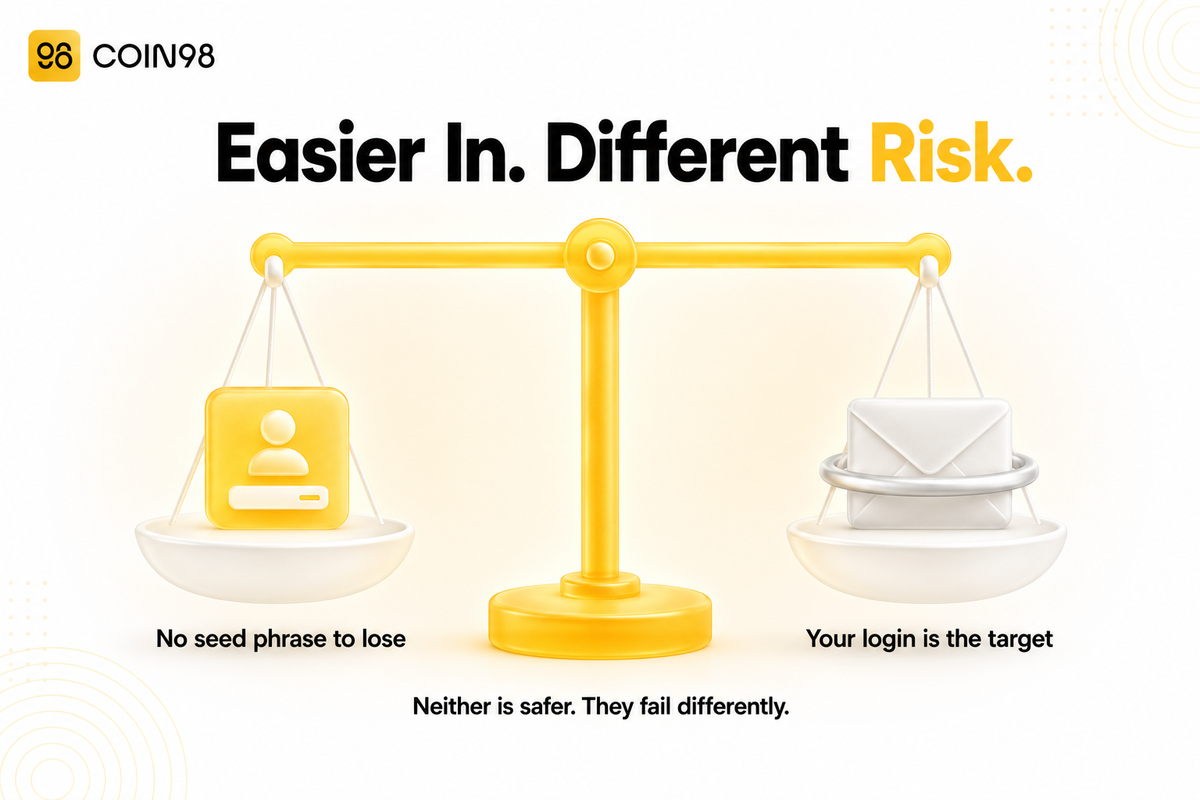
Are embedded wallets safer than writing down 12 words? They remove one big risk and add a different one. Nobody can photograph a seed phrase you never wrote down, and there's no paper to lose in a fire. In exchange, your login account becomes the target, and you depend on the provider's design. Neither model is strictly safer; they fail in different ways.
Should I keep large amounts in an embedded wallet? For everyday amounts and app-specific activity, it's a reasonable fit. For long-term savings, use a wallet where you hold the recovery material directly, and treat the embedded wallet as the spending account rather than the vault.
Bottom line
An embedded wallet removes the seed phrase from onboarding, not from the security model. The key still exists; the only question is who can use it. Run the four checks before you fund one: can you export the key, does anyone ever hold it whole, what happens during an outage, and who controls recovery. If you want that pattern with a documented export path, Social Wallet in Coin98 Super Wallet creates a multi-chain wallet from an email or social login while keeping the standard wallet tooling around it.