The complete guide to seed phrases: security, recovery, and best practices
Your seed phrase is the master key to every coin you own — here's how it works, how to store it safely, and how to recover your wallet.
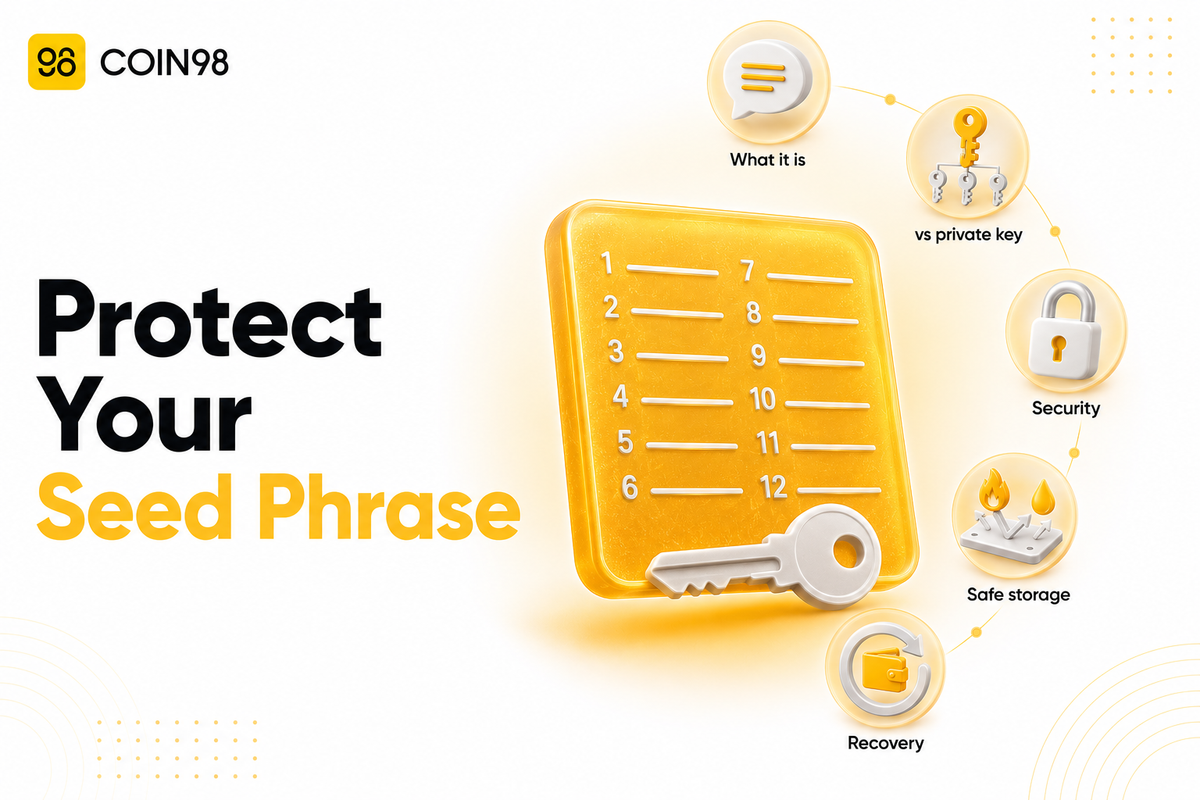
A seed phrase is the 12 to 24 random words your wallet gives you when you first set it up — and it is the single most important thing to protect in all of crypto, because whoever holds it controls every coin the wallet can access. That's not an abstract worry: crypto scam and fraud losses reached roughly $11.3 billion in 2025, according to figures compiled by NFT Plazas, and the overwhelming majority came from stolen or mishandled keys and phrases, not from anyone brute-forcing the cryptography. This guide explains what a seed phrase is, how it differs from a private key, how to store it safely, and how to recover a wallet with it.
What is a seed phrase?
A seed phrase is a sequence of 12 to 24 plain-English words that acts as the master key to your entire wallet. Trust Wallet describes it as "a 12-word recovery phrase generated during wallet creation that serves as the master key to your crypto assets" — a single backup that can restore access to everything the wallet holds.
The terms seed phrase, recovery phrase, and mnemonic phrase all mean the same thing. The words aren't chosen at random by you; they're drawn by the wallet from a fixed, standardized list under a specification called BIP39, which is why any BIP39-compatible wallet can read a phrase generated by another.
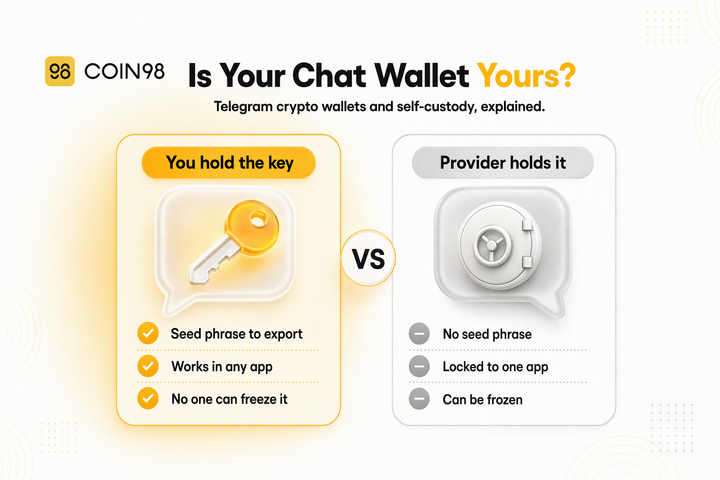
Here's the part that makes it so powerful — and so dangerous if exposed: the phrase isn't a password you can reset. It is your funds. There's no company holding a spare copy. Like other self-custody wallets, we never take custody of your keys, which means no support team can recover your crypto if the phrase is lost — the flip side of true ownership.
Seed phrase vs private key: what's the difference?
A private key controls one wallet address; a seed phrase controls all the private keys — and therefore all the addresses — in your wallet. The seed phrase sits at the top of the hierarchy, and understanding that hierarchy clears up most beginner confusion.
| Seed phrase | Private key | |
|---|---|---|
| Form | 12–24 readable words | Long random string of letters/numbers |
| Controls | Every private key and address in the wallet | One specific wallet address |
| Can regenerate | Yes — recreates all private keys | No — cannot recreate the seed phrase |
| Ease of use | Easy to read, write on paper, and back up | Hard to transcribe accurately |
According to our documentation, a seed phrase "can create wallets containing multiple Private Keys" and "has control over all your Private Keys," while a private key controls only its own address. Our docs note that phrases are preferred over raw keys because they're "easy to read, easy to remember, and can be easily noted on paper." The practical takeaway: guard the seed phrase above everything, because it outranks every private key beneath it.
How seed phrases actually work
A seed phrase works by encoding a large random number — the "seed" — into memorable words, and every private key in your wallet is mathematically derived from that one seed. Under the BIP39 standard, each word comes from a list of 2,048 specific words, and the exact sequence encodes the entropy that generates your keys.
This is why one phrase can hold many coins across many blockchains at once. The same seed deterministically generates separate addresses for Bitcoin, Ethereum, Solana, and every other supported chain, so a single backup covers all of them. A multi-chain wallet like Coin98 Super Wallet holds assets across 150+ blockchains under one 12- or 24-word phrase — the same words that protect your Bitcoin also protect everything else in the wallet.
It also means the phrase is portable: because BIP39 is a shared standard, you can recover the same wallet in a different compatible app just by entering the words — no old device or app required.
Is a seed phrase secure? 12 vs 24 words
A seed phrase is cryptographically secure by design — guessing one is effectively impossible — so the real risk is human, not mathematical. A 12-word phrase carries 128 bits of entropy and a 24-word phrase carries 256 bits, per security breakdowns from Bitrue and others. Even 12 words is far beyond brute-force reach: an attacker checking a trillion combinations per second would still need on the order of 10^19 years — vastly longer than the age of the universe.
| 12 words | 24 words | |
|---|---|---|
| Entropy | 128 bits | 256 bits |
| Brute-force resistance | Already infeasible | Larger theoretical margin |
| Typical use | Everyday wallets | Long-term, high-value storage |
So why do losses keep happening? Because attackers don't guess phrases — they steal them. Industry data attributes the bulk of 2025–2026 losses to phishing, social engineering, and poor storage rather than broken cryptography, with AI-driven deepfake scams alone driving billions in fraud, according to CoinLaw and NFT Plazas. Hardware-wallet makers like Ledger and Trezor recommend 24 words for high-value, long-term storage, but for most users the deciding factor isn't word count — it's whether the phrase ever touches an internet-connected device.
How to store your seed phrase safely
The safest seed phrase is one that never exists in digital form. Trust Wallet's guidance — and the consensus across the industry — is to keep the phrase offline and physical, and to treat any digital copy as a liability. The core practices:
- Write it on paper or stamp it into metal. Metal backup plates resist fire, water, and physical damage in a way paper doesn't. We'd recommend metal for any wallet holding meaningful value.
- Store copies in more than one secure location. A single copy is a single point of failure; two or three in separate safe places guard against fire, flood, or loss.
- Consider a bank safety deposit box for a backup copy if you hold significant funds.
- Keep it out of all digital channels. We'd strongly recommend against photos, screenshots, cloud notes, email, or password managers — many wallets even block screenshots during backup as a deliberate safety precaution.
- Never share it with anyone. No legitimate wallet, exchange, or support agent will ever ask for your seed phrase. A request for it is, by itself, proof of a scam.
Coin98 Super Wallet's Wallet Health feature includes a cloud-backup status check among the items it scans, a reminder that being safe means being both un-drainable and recoverable. Whatever backup method you choose, the goal is the same: the words survive a disaster, but never reach an attacker.
How to recover a wallet with your seed phrase
Recovering a wallet takes one action: enter your seed phrase into a compatible wallet app, and it rebuilds every address and balance the phrase controls. Because the phrase regenerates all the private keys deterministically, you don't need the original device or app — any BIP39-compatible wallet will do.
One common surprise is worth flagging: after recovery, a balance sometimes shows 0 even though the phrase is correct. According to our documentation, this usually isn't lost money — it's a derivation-standard mismatch, where the wallet generated addresses using a different standard (New vs. Old) than the one your funds live on. Switching to the correct import standard restores the expected balance. If you see a zero after recovery, we'd suggest checking the import standard before assuming anything is missing.
For a second, more convenient recovery route, Coin98 Super Wallet also offers an encrypted Cloud Backup that syncs your wallet to your own iCloud or Google Drive, locked behind a password you set — handy for restoring access across devices. It's an added layer, not a replacement: we store none of your data and can't recover that password for you, so your offline seed phrase remains the ultimate backup.
If the seed phrase itself is lost with no backup, though, there is no recovery path. This is the hard edge of self-custody, and the reason backup discipline matters more than any other single habit.
FAQ
What is a seed phrase in simple terms? A seed phrase is a list of 12 to 24 words your wallet generates that acts as the master key to all your crypto. Anyone who has it can access and move your funds, and it's the only way to recover your wallet if you lose your device.
What is the difference between a seed phrase and a private key? A seed phrase controls every private key and address in your wallet, while a private key controls just one address. The seed phrase can regenerate all your private keys, but a private key cannot regenerate the seed phrase — so the seed phrase is the higher-priority secret to protect.
Is a 24-word seed phrase safer than 12 words? Technically yes — 24 words carry 256 bits of entropy versus 128 bits for 12 words — but both are already far beyond any realistic brute-force attack. Hardware wallets often recommend 24 words for long-term, high-value storage, though for most users storage habits matter far more than word count.
What happens if I lose my seed phrase? If you lose your seed phrase and have no backup, your crypto is generally unrecoverable, because self-custody wallets don't keep a copy of it. This is why keeping a durable offline backup in more than one location is the most important safety step you can take.
Should I ever store my seed phrase digitally? No. Storing it as a photo, screenshot, cloud note, or in email or a password manager exposes it to hacking and malware. Keep it offline on paper or metal, and never type it into any website.
The bottom line
Your seed phrase is the master key to everything in your wallet — 12 to 24 words that outrank every private key beneath them and can rebuild your entire wallet on any compatible app. The cryptography protecting it is effectively unbreakable, so safety comes down to one thing: keeping the words offline, backed up in more than one place, and never shared. Coin98 Super Wallet secures 150+ blockchains under a single phrase and flags backup gaps through Wallet Health. Set up Coin98 Super Wallet and back up your seed phrase the right way from day one.
Last updated: July 2026