SIM swap attacks: why SMS 2FA is the weakest link in crypto
A SIM swap never touches your phone. It moves your number, then resets every account that trusts a text. What it reaches, and how to lock it down.
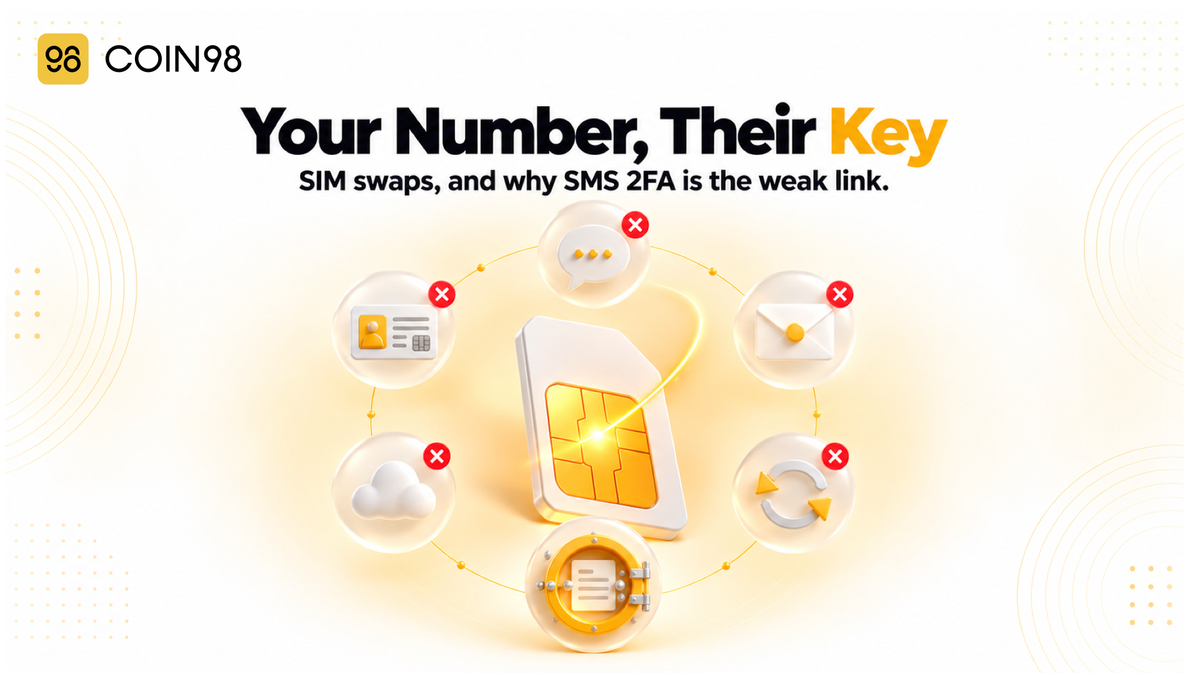
Your phone has full signal in the morning. By lunch it says "No service", and by the time you've found a shop to ask why, someone has reset your email, logged into your exchange account and withdrawn everything. That's a SIM swap attack. Nobody touches your phone. The attacker gets your carrier to move your number to their SIM, then uses it to receive the text-message codes your accounts trust. Here's how it works, what it can and can't reach, and how to close the gap before it's used.
Last updated: October 2026
What is a SIM swap attack?
A SIM swap attack is when someone convinces your mobile carrier to move your phone number onto a SIM card they control. From that moment, your calls and texts, including one-time login codes, go to them instead of you. It's an attack on your carrier's customer process, not on your device.
How attackers move your number
Most SIM swaps are a form of social engineering. The attacker gathers personal details from data leaks or social media. Then they call or visit the carrier pretending to be you, say the phone was lost, and ask for the number on a new SIM. In some cases carrier employees are bribed to make the switch. Moving a number to a new provider (a "port-out") works the same way. eSIMs don't change this: the attack moves the number, not the plastic card.
Why crypto holders are a target
Crypto theft is fast and hard to reverse, and one exchange account can hold someone's whole position. Two US cases show the scale:
- FTX, November 2022. Prosecutors allege that a SIM swap on an FTX employee's carrier account gave attackers access to FTX's accounts, followed by the theft of over $400 million in crypto. Three people were charged in early 2024.
- The SEC's X account, January 2024. A false post announcing Bitcoin ETF approval came from an account taken over through a SIM swap. One participant showed a fake ID at a carrier's store to get a new SIM for the victim's number. Bitcoin jumped more than $1,000 on the false post and dropped over $2,000 after the retraction. That participant was sentenced to 14 months in May 2025.
Reported numbers are much smaller than these headlines. In 2024, US victims filed 982 complaints classed as SIM swaps, with about $26 million in reported losses, down from 2,026 complaints and about $72.7 million in 2022. Those figures count only complaints filed under the SIM swap category. Victims who report the account theft that followed are counted elsewhere, so the real cost is likely higher.
What a SIM swap can reach, and what it can't
A SIM swap reaches any account that accepts a text message as proof that you're you. It can't reach anything that never relied on your phone number, which includes the private keys of a self-custody wallet.
| What you have | Reachable by a SIM swap? | Why |
|---|---|---|
| Exchange account with SMS 2FA or SMS password reset | Yes | The attacker receives the codes |
| Email account recoverable by SMS | Yes | And email resets almost everything else |
| Exchange account with an authenticator app or security key | Much harder | Codes don't travel over the phone network |
| Self-custody wallet seed phrase written on paper | No | The phone network never touches it |
| Seed phrase saved in email, notes or an unencrypted cloud file | Yes, if that account falls | The attacker resets the account and reads the file |
| Wallet that logs in with an email or social account | Depends on that account's security | The login account is the key |
Exchange and email accounts
These are the main targets. An exchange is a custodial service: it can reset your access, so whoever passes its identity checks controls the funds. Email is often the first account to fall, because a reset link for every other service lands there.
Your wallet's keys
A non-custodial wallet such as Coin98 Super Wallet is controlled by a seed phrase or private key, not by a phone number or an account. There's no "reset by SMS" option to hijack. Coin98 doesn't hold your keys, which is why our documentation is clear that we cannot block transactions from a user's wallet.
A seed phrase saved online
This is the gap most guides miss. A seed phrase is safe from a SIM swap only if it's stored somewhere a SIM swap can't open. A photo in your cloud gallery, an email draft or a note-app entry is protected only by that account's login, and that login may be resettable by text. Our seed phrase guide covers offline storage options.
If you use a cloud backup, encryption is what matters. Coin98's Cloud Backup saves the backup file to your own Google Drive or iCloud, locked with a password you set, which "Coin98 cannot recover." Someone who takes over that cloud account still needs the backup password, so we recommend choosing one you don't use anywhere else.
Wallets that log in with an account
A Social Wallet in Coin98 is created by signing in with a Facebook, Google, Email or Apple account. That's convenient, and it means the security of the login account matters. We recommend protecting it with an authenticator app or security key, not SMS.
Why SMS 2FA is the weakest link
SMS two-factor authentication is the weakest common form of 2FA because the code is sent to your phone number, not to your device. Whoever controls the number gets the code. A SIM swap doesn't need to break the code. It just redirects it.
The US government's digital identity guidelines class SMS and voice codes as a "restricted" authentication method. They advise services to check for warning signs such as a recent SIM change or number port before relying on a text-message code. SMS 2FA is still better than a password alone, but it shouldn't protect anything you can't afford to lose.
Ranking your options
| Method | Where the secret lives | SIM swap risk | Phishing risk |
|---|---|---|---|
| SMS or voice code | Your phone number | High | High |
| Email code | Your email account | Depends on email security | High |
| Authenticator app (time-based codes) | An app on your device | Low | Medium (codes can be phished) |
| Security key or passkey | A physical key or your device's secure hardware | Very low | Very low (tied to the real site) |
For a crypto exchange, we suggest an authenticator app at minimum and a security key or passkey where the platform supports it. When you switch, also remove your phone number as a recovery option if the service allows it. Otherwise SMS stays available as a fallback for an attacker.
How to protect yourself, and what to do if it happens
The best protection is to lock your number at the carrier and stop letting important accounts trust it. If a swap happens anyway, the first hour matters most.
Lock your number at the carrier
In the US, carriers must offer every customer a free option to lock or freeze their account against SIM changes and port-outs. They must also verify identity securely before moving a number and notify you before a SIM change goes through. These rules took effect in 2024. Ask your carrier to turn on the lock and set a separate account PIN. Outside the US, ask your carrier whether it offers a similar PIN or port-out block.
Remove your number from important accounts
Work through this list once. It takes about an hour:
- Email first. Switch to an authenticator app or security key, and remove SMS as a recovery method.
- Every exchange account. Same change, plus a withdrawal allowlist if the exchange offers one.
- Cloud storage and password manager. These often hold the files and passwords for everything else.
- Where your seed phrase lives. Move any copy out of email, notes or photo galleries. Coin98's wallet protection guide adds app PIN and biometrics on top.
- Social and messaging accounts. People use these to impersonate you to friends and family.
Warning signs
- Your phone suddenly shows "No service" or "SOS only" in a place where it normally works
- A text or email says your SIM or eSIM was changed, and you didn't do it
- Password-reset or new-login emails you didn't request
- Friends saying they got odd messages from your number or accounts
The first hour after a SIM swap
- Call your carrier from another phone and ask them to restore your number and lock the account.
- Secure your email from a trusted device: change the password and sign out all other sessions.
- Lock exchange accounts. Many exchanges offer an emergency freeze or account lock. Use it, then change passwords and 2FA.
- Check your wallet. If you think your seed phrase was exposed, follow our compromised wallet guide: create a new wallet, move remaining funds, and stop using the old one.
- Report it to your carrier's fraud team and local police. Our scam response guide lists what to record.
Confirmed blockchain transactions can't be reversed, so speed counts more than anything else here.
Frequently asked questions
Can a SIM swap steal from my self-custody wallet? Not directly. A self-custody wallet is controlled by its seed phrase or private key, and no phone number can reset it. The risk appears only if the seed phrase is saved in an account that can be reset by SMS, such as email or cloud notes.
How do I know if I've been SIM swapped? The clearest sign is your phone losing service where it normally works, often alongside a SIM-change notice or password-reset emails you didn't request. If that happens, call your carrier from another phone straight away.
Is SMS 2FA better than nothing? Yes. It still stops attackers who only have your password. But it fails against a SIM swap, so we recommend an authenticator app or security key for email and exchange accounts.
Does an eSIM protect me from SIM swaps? No. A SIM swap moves the phone number, and that works the same way whether the number sits on a physical SIM or an eSIM. The protection is a carrier account lock and not relying on SMS codes.
What is a port-out PIN? It's a code your carrier requires before your number can be moved to another provider or SIM. Setting one, along with an account lock, makes it much harder for someone to talk the carrier into moving your number.
Can stolen crypto be recovered after a SIM swap? Confirmed blockchain transactions can't be reversed. An exchange may be able to freeze funds that haven't left the platform if you contact it quickly, which is why locking accounts comes first in the response steps.
The short version
A SIM swap attack turns your phone number into someone else's key, and every account that trusts a text message opens with it. Lock your number at the carrier, move email and exchanges to an authenticator app or security key, and keep your seed phrase offline or encrypted. A non-custodial wallet like Coin98 Super Wallet keeps your keys out of the phone network entirely.