One seed, many chains: how multichain accounts actually work
One seed phrase, a different address on almost every chain. Why that happens, and what to check when a restored wallet reads zero.
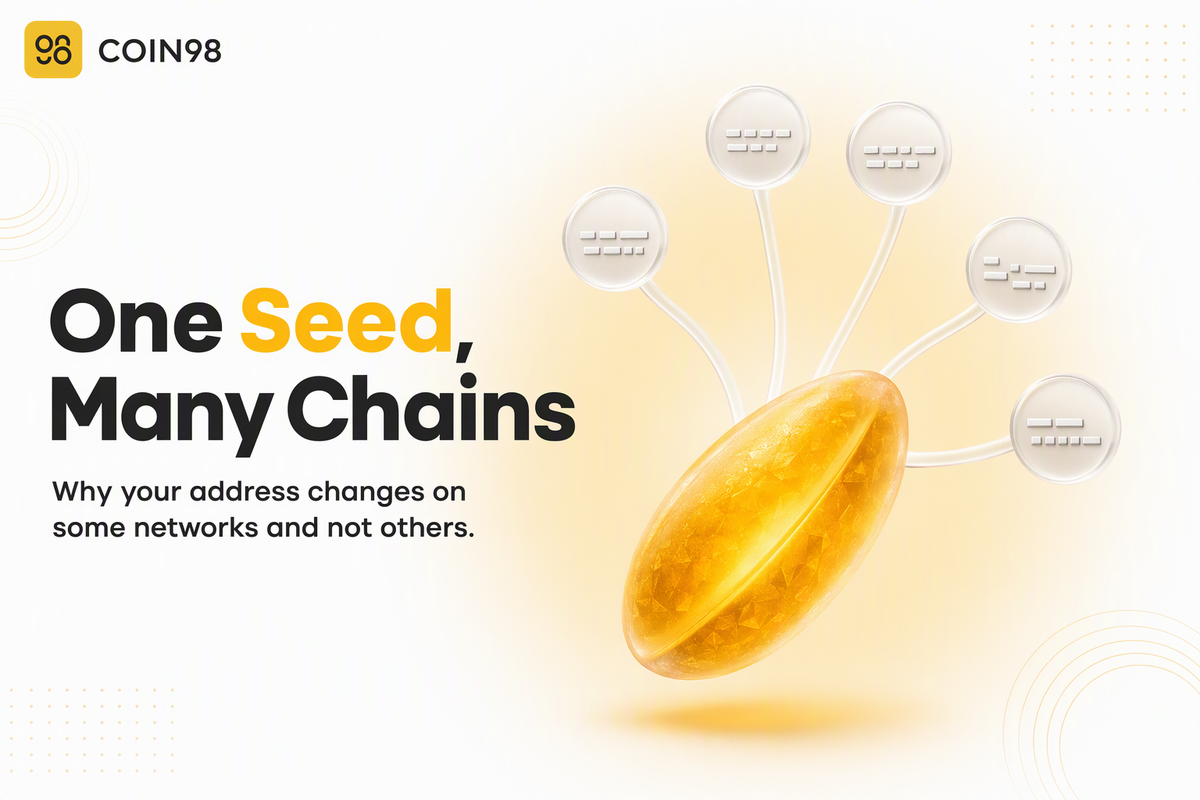
Your wallet shows one seed phrase and a different address on almost every network, and both of those things are correct. A multichain wallet doesn't store a single address — it stores one secret that mathematically generates a whole tree of keys, and each blockchain gets its own branch. That design is why the same twelve words can restore everything you own, why your Ethereum address is identical on every Ethereum-compatible network, and why a restored wallet sometimes opens with a balance of zero and nothing actually missing. Here's what's happening underneath, and what to check when the numbers don't look right.
Last updated: September 2026
What one seed phrase actually creates
A seed phrase doesn't correspond to an address. It corresponds to a tree of keys, and a wallet picks addresses out of that tree using a coordinate called a derivation path. Coin98's own documentation puts the relationship plainly: a seed phrase "can create wallets containing multiple Private Keys" and it "has control over all your Private Keys."
A phrase, a tree, and a coordinate
The wallet converts your 12 to 24 words into a single master key. From that master key it can derive an effectively unlimited number of child keys, each of which produces one address. Nothing is stored on any blockchain during this step — the whole tree is generated locally, from maths, every time. That's why the same words typed into a different app recreate the same addresses, and why nobody at Coin98 can retrieve your wallet for you: the phrase isn't held or stored anywhere on Coin98's side. Our complete guide to seed phrases covers what that means for backups.
How to read a derivation path
A path looks like m/44'/60'/0'/0/0 and reads left to right, narrowing at each step. The standard defines five levels after the master key:
m / purpose' / coin_type' / account' / change / address_index
The level that matters most here is coin_type. It exists to create a separate subtree for each cryptocurrency, so addresses are never reused across chains. The account level splits that space again into independent identities, which is how one seed can hold several separate sets of books without them ever mixing.
The numbers themselves come from a public registry, not from the chains. Each network is assigned an index:
| Network | Coin type |
|---|---|
| Bitcoin | 0 |
| Ethereum | 60 |
| Cosmos | 118 |
| TRON | 195 |
| Solana | 501 |
| BNB (Beacon Chain) | 714 |
| Sui | 784 |
That last row is a useful warning about reading the registry too literally: 714 belongs to BNB Beacon Chain, while BNB Smart Chain derives at Ethereum's 60 like any other EVM network. The registry assigns numbers; wallets decide which ones to use.
Change the coin type and you change the branch, which changes the key, which changes the address. Same phrase, different coordinate, different result.
Why your address changes on some chains and not others
Your address stays the same across EVM-compatible networks and changes everywhere else, and the coin type is the reason. It's the single most confusing thing about a multichain wallet, and it's one rule, not two.
Why every EVM chain shows the same address
Ethereum-compatible networks — Polygon, Arbitrum, Optimism, Base, Avalanche, BNB Smart Chain and others — don't each take their own branch of the tree. Wallets derive addresses for all of them at Ethereum's coin type, so one key covers the lot. The address you see on Ethereum is the address you see on Arbitrum, character for character.
Why Bitcoin and Solana don't
Bitcoin, Solana, TRON and Cosmos each sit at a different coin type and use different address formats entirely. The key is derived from a different branch, and the resulting address isn't just different-looking — it's a different key. A Solana address that resembles your Ethereum address in no way is not a bug, and it isn't a second wallet.
Same address is not the same balance
An address existing on several chains says nothing about what's on it. Each network keeps its own ledger. Holding 100 USDC on Polygon and nothing on Arbitrum is perfectly normal even though the address is identical, and moving value between the two is a bridging operation, not a transfer between your own addresses.
What this means when you send
Most wrong-network mistakes come down to one question: was the destination an address you actually control on that chain? If it was, the funds are sitting there waiting. If it wasn't, they're at an address nobody holds a key for.
Wrong EVM chain: usually recoverable
If you sent an EVM token to your own address on the wrong EVM network, nothing is lost. The same address exists on that chain and the same key controls it. Switch the wallet to that network, add the token if it isn't displayed automatically, and bridge or move it from there.
Non-EVM: usually not
Sending to an address that belongs to a different chain family is the case that doesn't recover. Because each chain family derives addresses differently, the destination string doesn't map to a key anyone holds on the receiving network, and there's no procedure that produces one.
| What happened | Recoverable? | What to do |
|---|---|---|
| Sent to your own address on the wrong EVM chain | Yes | Switch networks, add the token, then bridge |
| Sent to an exchange deposit address on the wrong network | Sometimes | Contact the exchange; outcome depends on their policy |
| Sent an EVM token to a non-EVM address | No | Nothing reliable exists |
| Sent to an address with one character mistyped | No | The address belongs to nobody, or to someone else |
Every chain needs its own gas
A shared address doesn't mean shared fees. Each network charges fees in its own native coin, so a wallet with plenty of ETH on Ethereum can still be unable to move a token on Polygon. It's the most common reason a transaction won't go through on a chain you rarely use — our guide to gas fees and stuck transactions covers what to do when one hangs.
When a restored wallet shows zero
A zero balance after restoring almost never means the funds are gone. It usually means the wallet is reading the wrong branch of the tree, or a phrase that isn't quite the one you backed up.
Four things to check before panicking
Coin98 documents four causes, and they're worth running in order:
- Typos. The phrase may have missing letters or misspellings. One wrong character produces a completely different tree.
- Word order. "Different seed phrase orders will result in different wallets" — the sequence is part of the secret, not just the words.
- The original backup was wrong. If the phrase was written down incorrectly at the start, there's no recovery path, and support can't help because Coin98 doesn't hold your phrase.
- The wrong standard. On import, advanced options let you choose between the New and Old standard. Picking the one your original wallet didn't use means the wallet recovers, but the balance doesn't appear — the app is reading a different branch. Switching the setting and importing again is the fix.
That fourth cause is the derivation path in user-facing clothing, and it's the one that catches people moving between apps. If you're missing words rather than choosing the wrong option, the Seed Phrase Recovery Tool can rebuild a phrase — but only when the missing words are the last two, on a 12, 15, 18, 21 or 24-word phrase.
Chains added after your wallet was created
A multichain wallet made last year doesn't automatically include networks integrated since. Rather than creating a new wallet, Refresh Multichain Wallet updates an existing one with newly integrated blockchains: open the sidebar, choose My Wallets, click the "..." icon, select Refresh Multichain Wallet, then Confirm.
One more thing that reads like missing funds and isn't: only one wallet is active at a time. Assets in deactivated wallets don't display. If a balance vanished after you added a second wallet, check which one is toggled on before assuming anything worse. Creating or importing a multichain wallet takes the same route each time: Add Wallet, then either Create a New Wallet or Add an Existing Wallet, choosing Multichain as the type.
Frequently asked questions
Does one seed phrase really cover every blockchain? Within one wallet app, yes — a multichain wallet in Coin98 Super Wallet covers more than 100 blockchains from a single phrase. What varies is which branches a given app knows how to derive. A wallet that only supports Bitcoin will read your phrase correctly and simply won't show you the other chains, because it never looks for them.
Why does the same seed phrase show a different address in another wallet app? Because the two apps chose different derivation paths by default. The funds haven't moved; the second app is generating a different branch of the same tree and reporting what it finds there, which is an empty address. Importing with the matching standard or path brings the expected addresses back.
If my address is the same on Ethereum and BNB Chain, can I send between them directly? No. The address matches, but each network keeps a separate ledger, and a transaction only exists on the chain it was broadcast to. Moving value between them means bridging. Sending an Ethereum token to "the same address on BNB Chain" without a bridge just moves it within Ethereum.
Do I need a separate backup for each chain? No. One seed phrase is the root of every branch, so one backup restores all of them. That's also the risk: anyone who reads that phrase has every chain at once, which is why we'd strongly recommend keeping it offline and never entering it into a site or a support chat.
A new blockchain was added after I made my wallet. Do I have access to it? Yes, once the wallet is updated. Refresh Multichain Wallet extends an existing multichain wallet to cover newly integrated networks without a new seed phrase, so you don't need to create or back up anything again.
If one chain suffers an exploit, are my other chains at risk? Not through the seed phrase itself — a problem on one network doesn't expose the others. The realistic cross-chain risk is approvals: permissions you granted to a contract on one chain, which is worth reviewing periodically regardless of where the incident happened.
The short version
A multichain wallet is one secret, a tree of keys, and one coordinate per chain. That structure explains the two things that look like bugs and aren't: an address that changes on some networks and not others, and a restored wallet reading zero while the funds sit safely on a branch the app wasn't looking at. Create or restore one in Coin98 Super Wallet, and keep the phrase behind it backed up the way our seed phrase guide describes.