Watch-only wallets: track a portfolio without exposing any keys
A watch-only wallet shows a balance and holds no key. Four things it's genuinely good for, and the privacy limit nobody mentions.
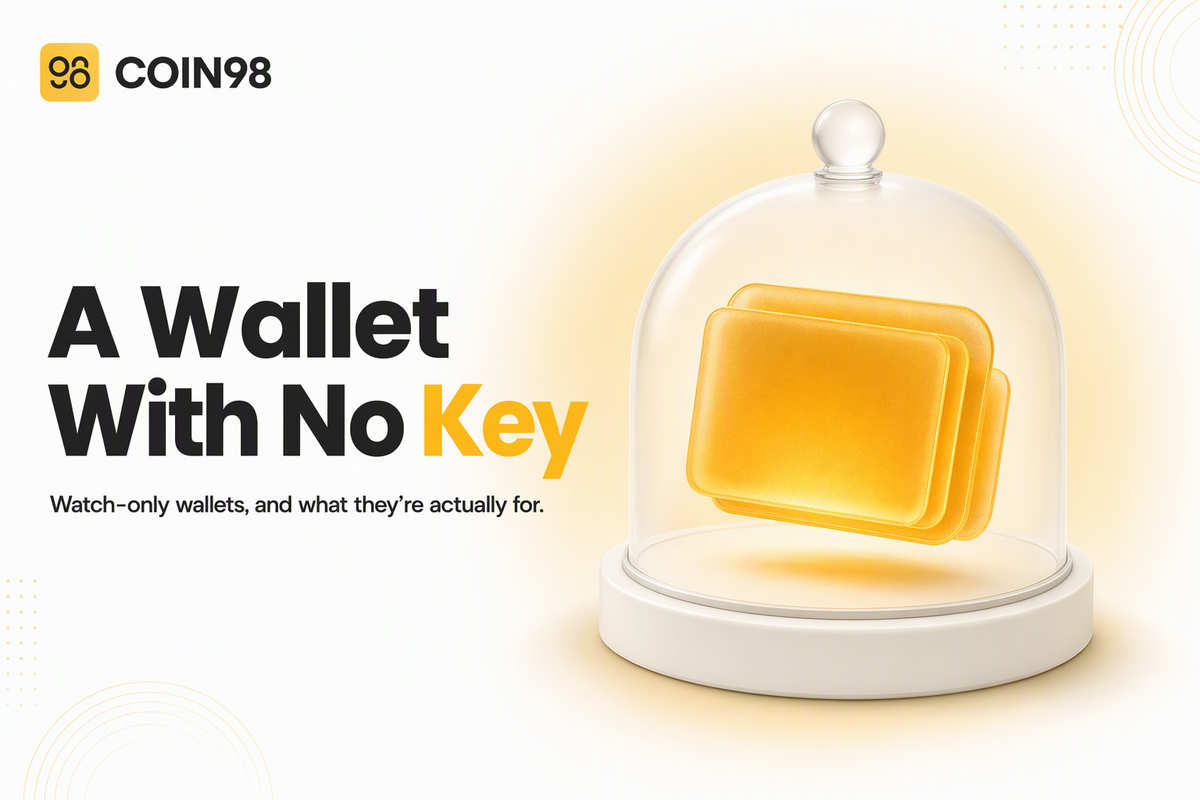
You can add a wallet to your phone that shows a balance, lists every transaction, and cannot move a single coin — because it was never given the key. That's a watch-only wallet: a read-only view of an address, built from public blockchain data alone. It's the least glamorous feature in any wallet app and one of the most quietly useful, because it separates two things most people bundle together without noticing — seeing what you own, and being able to spend it. Here's what it's good for, how to add one in about thirty seconds, and the one limit worth knowing before you do.
Last updated: September 2026
What a watch-only wallet is
A watch-only wallet is a read-only representation of a wallet: you give it a public address, and it queries the blockchain to show you the balance and transaction history at that address. It holds no private key, so it has no ability to authorise anything.
What it can and can't do
The split is absolute rather than a matter of settings.
| Can | Can't |
|---|---|
| Show the balance at the address | Send or withdraw anything |
| List incoming and outgoing transactions | Sign a message or a transaction |
| Track an address on the chain you selected | Reveal a private key or seed phrase |
| Sit alongside your real wallets in the same app | Be turned into a spendable wallet without the key |
Coin98's documentation is direct about the last point: the purpose of a watch-only wallet "is to exclusively monitor the funds and assets of a wallet."
Why it doesn't need a seed phrase
A blockchain address and its transaction history are public. Anyone can read them; the private key exists solely to authorise spending. A watch-only wallet uses only the public half, which is why setting one up never asks for a seed phrase and why being asked for one during watch-only setup would be a clear warning sign.
Four jobs a watch-only wallet does well
The common objection is reasonable: what's the use of a wallet you can't spend from? Not spending is the point — it removes the only thing an attacker could use. Four situations make that concrete.
Check cold storage without unlocking it
Money kept in cold storage is meant to stay untouched, but you still want to know it's there and that deposits arrived. A watch-only entry for the cold address gives you that on your phone while the hardware device stays in a drawer. Coin98 Super Wallet also supports connecting a Ledger hardware wallet directly — Nano X over Bluetooth on iOS and Android, Nano S over an OTG cable on Android — and the two serve different jobs. Connect the device when you intend to sign something. Watch the address when you only want to look. Our guide to storing crypto safely covers where each belongs in a wider setup.
Carry a portfolio on a device you'd rather not trust
A travel phone, a work laptop, a shared family tablet: places you'd hesitate to enter a seed phrase. A watch-only wallet gives you the numbers there with nothing worth stealing on the device. If it's lost, compromised, or someone unlocks it while you're not looking, the worst outcome is that they learn a balance. It pairs well with the habits in our piece on using a wallet on public Wi-Fi, where the safest posture is often to look and not transact.
Watch an address you don't control
Nothing about a watch-only wallet requires the address to be yours. A project treasury, a fund's public address, a large holder whose movements you follow, a friend confirming that a payment landed — any public address can be added and monitored the same way. It's the same information a block explorer gives you, kept in the app you already open.
One caution on following large holders: an address shows what moved, not why. A transfer out of a known address may be a sale, a move to cold storage, an internal reshuffle between addresses the same owner controls, or a deposit to a custodian. Treating a single outgoing transaction as a signal reads far more into it than the data supports.
Keep a record worth handing to an accountant
Tracking several addresses across chains in one place turns scattered balances into something you can actually read at year end. Alongside watch-only entries, Coin98 Super Wallet's portfolio Statistics show how a portfolio is divided and which tokens contribute most to the total value — press the Wallets area on the Home screen, slide left, choose the portfolio, then open Statistics.
The practical benefit is that the record builds itself. Because a watch-only entry reads the chain rather than storing anything, an address added once keeps reporting accurately whether or not you touch it for a year.
How to add one
Adding a watch-only wallet takes an address and a blockchain, and nothing else. It's available on all three Coin98 surfaces, and the flow is the same shape on each.
| Where | Route |
|---|---|
| Mobile app | Add Wallet → Add an Existing Wallet → Watch-only |
| Browser extension | Sidebar → My Wallets → Add Wallet → Watch-only → Continue |
| Telegram wallet | "☰" → Add Wallet → Watch-only → Continue |
From there each one asks the same three things: choose the blockchain, name the wallet, paste the address. Tap Next, confirm, and it appears on the main screen alongside your other wallets.
Getting the blockchain right
The one step people get wrong is the network. The address has to match the chain you selected — the docs put it plainly: enter an address that doesn't belong to the chosen blockchain and you won't be able to continue, or the balance won't appear. If a watch-only wallet is showing nothing where you expected a balance, that mismatch is the first thing to check, before assuming the address is wrong.
What it protects, and what it doesn't
Watch-only protects you from one specific thing: your own device being the weak point. It doesn't make the underlying address safer, and it doesn't make your activity private.
Read-only protects the viewer, not the address
This distinction is worth keeping straight. A watch-only wallet can't be drained, because there's nothing in it to drain. The address it's watching is exactly as exposed as it was before — its keys, its approvals and its history are unchanged by the fact that you're now looking at it from a second device. If that address is a real wallet of yours, its security still rests on the seed phrase and the permissions it has granted.
Watching still leaves a trail
Reading a balance is not a neutral act, and this is the part most guides skip. Public block explorers are ordinary websites, and some of them state in their own privacy policies that their servers record the visitor's IP address along with the requested URL — which contains the address being looked up. In at least one documented case, data collected that way was used to generate leads tying an IP address to a specific wallet. Policies differ materially between operators, from brief server-log retention to purpose-based retention with internal sharing, so this is a reason to be deliberate rather than a reason to panic.
Two practical consequences. Checking a balance inside your wallet app, or via the explorer shortcut built into Coin98 Super Wallet, is a different act from typing your own address into a search box on a site you know nothing about. And if you ever move to a wallet that asks for an extended public key — an xPub — rather than a single address, understand what you're handing over: an xPub exposes every address derived beneath it and every transaction those addresses made, linking them all to one owner. It can't spend anything, so the risk is to your privacy rather than your funds.
Why you can only see one wallet at a time
A watch-only wallet sits in your wallet list like any other, which means it follows the same rule: only one wallet is active at a time, and assets in deactivated wallets don't display. That's app behaviour rather than a limit of watch-only wallets themselves, and it's the usual explanation when a balance seems to have vanished after adding a new wallet.
Frequently asked questions
Is a watch-only wallet safe? Yes, in the specific sense that matters: it holds no private key, so no one who gains access to it can move funds. Someone who opens it learns a balance and a transaction history, which is a privacy exposure rather than a financial one. It cannot sign anything, approve anything, or be tricked into doing either.
Can I turn a watch-only wallet into a real one later? Not by changing a setting. Spending requires the private key or seed phrase for that address, so you'd import it as a normal wallet, at which point it stops being watch-only. If you never had the key, no feature in any wallet app can produce one.
Can a watch-only wallet connect to a dApp and get drained? It has nothing to sign with, so it cannot approve a transaction or a token allowance. The address it's watching may well have approvals granted previously through other means — those are unaffected either way, and worth reviewing on their own schedule.
Why doesn't my watch-only wallet show a balance? The most common cause is a mismatch between the address and the blockchain selected when it was added, since an address only exists on its own network. The second most common is that a different wallet is currently the active one. Both are quicker to check than they are to worry about.
Can the person whose address I'm watching tell? No. Adding an address to a watch-only wallet is a local action that reads public data. It writes nothing to the blockchain and sends no signal to the address owner.
Do I need a separate watch-only wallet for each chain? Yes. A watch-only entry is created against one blockchain, so an address you want to follow on two networks is added twice, once per chain. It costs nothing but a second setup.
The short version
A watch-only wallet separates seeing from spending, which turns out to be useful far more often than it sounds: cold storage you can check without unlocking, a portfolio you can carry on a device you don't fully trust, and any public address you want to keep an eye on. It takes an address, a chain and about thirty seconds. Add one in Coin98 Super Wallet — and remember that read-only protects your keys, not your privacy.