Fake wallet apps: how to verify you downloaded the real one
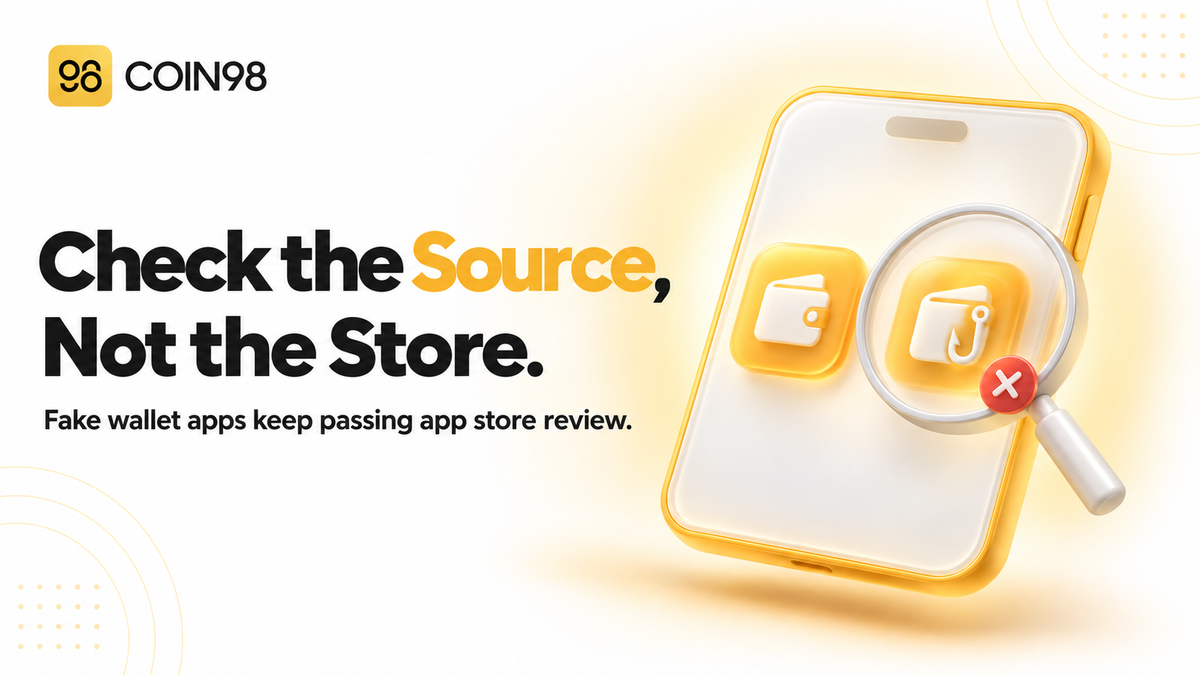
Fake wallet apps keep passing app store review. Five checks to confirm your wallet is the real one before you type in a seed phrase.
Most people assume that if a wallet app is in the Apple App Store or Google Play, someone has already checked it. Fake wallet apps are built to exploit exactly that. In April 2026, researchers reported 26 fake wallet apps in the App Store impersonating well-known wallets, some of them posing as calculators and games to get through review. They don't need to hack anything. They only need you to type your seed phrase into the wrong app once. Here's how fakes get into official stores, a five-step check you can run before installing, and what to do if you've already used one.
Last updated: September 2026
How fake wallet apps get into official stores
Fake wallet apps get into official stores by looking harmless during review and changing their behavior after approval, or by using developer accounts that already have a trusted history. Store approval means an app met the store's rules on the day it was checked. It doesn't confirm who made it.
What a fake wallet app is after
A fake wallet app wants your seed phrase or private key. With either one, the attacker can rebuild your wallet on their own device and move everything in it, on every chain the phrase controls. There's no approval to revoke and no transaction to cancel.
Some fakes ask you to "import" an existing wallet on the first screen. Others let you create a new wallet that seems to work normally, while quietly sending the phrase to the attacker. This makes fake apps different from fake dApps, which usually try to trick you into signing a malicious transaction. A fake app goes straight for the seed phrase itself.
Four ways fakes get past review
Recent campaigns show that fake apps don't get past review by luck. They use repeatable methods.
| Tactic | How it worked | Why store trust didn't help |
|---|---|---|
| Harmless disguise | Fake iOS apps passed review with working game, calculator, or task-planner features, then redirected users to a lookalike store page offering a modified version of a real wallet | Reviewers saw the harmless app, not the redirect |
| Hijacked developer accounts | 20+ Google Play phishing apps were published from accounts that had previously released legitimate apps, some with over 100,000 downloads | The publisher had real history and real download numbers |
| Extension hollowing | About 150 Firefox extensions were uploaded in harmless form, collected fake positive reviews, then rebranded as wallets and loaded with code that captured passwords | Reviews and ratings were earned before the switch |
| Impersonating a product that doesn't exist | A fake iPhone version of a desktop-only bitcoin wallet reportedly cost three users about $1.8 million between May and August 2025 | There was no real app to compare it to |
The last case is the easiest to prevent. The genuine wallet has never had an official iPhone app, so anyone who checked the developer's website first would have known the listing was fake.
How to verify a wallet app before you install it
The safest way to verify a wallet app is to reach the store listing from the wallet's official website or documentation, then confirm the app name, publisher, and product type match what those official pages say. Searching the store and choosing the top result is the step fakes are designed to exploit.
Five checks before you tap Install
- Start from the official source, not store search. Open the wallet's official website or docs and follow its download link to the App Store, Google Play, or browser extension store. Search results and ads can put a fake above the real app.
- Confirm the product exists on your platform. Check whether the wallet actually offers an iPhone app, an Android app, or an extension for your browser. If the official site doesn't list it, a store listing claiming to be that product is fake.
- Match the exact app name and publisher. Compare every character of the listing name with the one on the official page. Fake apps use small typos, extra words like "New" or "Pro," and nearly identical icons.
- Treat downloads and reviews as a weak signal. A brand-new listing with a few hundred downloads for a wallet used by millions is an obvious fake. But high numbers don't prove anything, since fakes have used hijacked accounts with over 100,000 downloads and extensions with purchased reviews.
- Skip links from chats, ads, and emails. A download link posted in a Telegram group, sent in a DM, or shown in a sponsored search result isn't an official source. We'd also recommend against installing wallet APK files from anywhere other than the wallet's own website.
For browser extensions, apply the same checks with extra care. One fake Ethereum wallet extension was available in the Chrome Web Store from late September to November 2025 before it was removed. Use the extension store link from the wallet's official docs, and check that the extension name and publisher match.
Official Coin98 listings
If you're installing Coin98 Super Wallet, these are the listings documented in Coin98's download and install guide and extension install guide:
| Platform | Official listing name | Official link |
|---|---|---|
| iOS (App Store) | Coin98 - Crypto & AI Wallet | ios.coin98.com |
| Android (Google Play) | Coin98 Super Wallet | android.coin98.com |
| Browser extension (Chrome) | Coin98 Wallet | Chrome Web Store link in the extension install guide |
We suggest bookmarking the official links page and the docs, then using those bookmarks whenever you need to reinstall or set up a new device.
Red flags once the app is open
The biggest red flag is a request for your seed phrase that you didn't start. A genuine wallet only asks for a recovery phrase when you've deliberately chosen to restore or import a wallet. It never needs the phrase to "verify," "sync," "validate," or "upgrade" your account.
What a real setup looks like
In a legitimate wallet, you choose what happens. When you create a new wallet in Coin98 Super Wallet, you select Create a New Wallet, read the warnings, reveal the new seed phrase yourself, back it up, and confirm it. Importing is a separate option that you pick on purpose.
Signs you're in a fake
- The first screen asks you to import or verify an existing wallet before offering to create one.
- The app sends you somewhere else to get the "real" version. Some iOS fakes did this, leading users to a page designed to look like the App Store that offered a modified wallet download.
- The app doesn't match what you installed. You downloaded a wallet but see a calculator or game, or the app looks different from the screenshots in the store listing.
- A "support" pop-up or chat asks for your recovery phrase. No legitimate wallet support team needs it.
- The app asks for permissions a wallet has no clear reason to need, such as control of your screen or other apps.
If you see any of these, close the app before you type anything and uninstall it.
What to do if you entered your seed phrase into a fake app
If you entered your seed phrase into a fake wallet app, assume the attacker has it and move your funds to a new wallet with a new seed phrase right away. Uninstalling the fake app doesn't undo anything, because the phrase has already been sent.
Treat the phrase as gone
This also applies if you only created a wallet inside the fake app. The fake Chrome extension mentioned above stole seed phrases during wallet creation as well as import, so a wallet you generated there isn't safe either. Every address controlled by that phrase should be considered compromised, on every chain.
Move funds from a clean device
- Uninstall the fake app or extension, and run a malware scan. If you're unsure the device is clean, use a different one.
- Install the genuine wallet using the verification steps above.
- Create a brand-new wallet with a new seed phrase, and back it up offline.
- Transfer everything you can from the old wallet to the new one, starting with the highest-value assets.
- Stop using the old phrase entirely, including for receiving funds.
Speed matters, because attackers can use automated scripts that move funds as soon as they arrive. If gas deposits to the old wallet disappear immediately, don't keep sending more. Coin98's hacked-wallet guide walks through these steps and notes that Coin98 can't block transactions from a compromised wallet, because it's non-custodial.
Report it
Report the listing to Apple, Google, or the browser extension store so it can be removed, and let the genuine wallet's team know it's being impersonated. If funds were taken, record the transaction hashes and the attacker's address, then follow our immediate action guide for reporting. Be wary of anyone who contacts you offering to recover the funds for a fee.
Frequently asked questions
Can a fake wallet app really be in the Apple App Store or Google Play? Yes. In 2025 and 2026, researchers found fake wallet apps in both stores, including 26 iOS apps impersonating popular wallets and more than 20 Google Play phishing apps published from hijacked developer accounts. Store review checks whether an app follows the rules at the time of submission. It doesn't guarantee who built it or what it does later.
How do I know a wallet app is the official one? Follow the download link from the wallet's official website or documentation instead of searching the store. Then check that the app name, publisher, and platform match what the official page lists. Download counts and reviews can help rule out obvious fakes but aren't proof on their own.
Should a wallet app ask for my seed phrase when I open it? Only if you've chosen to restore or import an existing wallet. A genuine wallet won't ask for your seed phrase to verify, sync, or upgrade your account. An unexpected request is a strong sign the app is fake.
Is it safe if I created a new wallet inside a fake app instead of importing one? No. Fake apps and extensions can capture a seed phrase at the moment it's generated, not just when you type in an existing one. Treat any wallet created in a fake app as compromised, and move any funds sent to it to a new wallet from a genuine app.
Is uninstalling the fake app enough? No. Once you've entered or generated a seed phrase in a fake app, the attacker may already have a copy. Uninstalling stops the app from collecting more information, but it doesn't protect funds controlled by that phrase. Move them to a new wallet with a new seed phrase.
What are the official Coin98 app names? Coin98's documentation lists the iOS app as "Coin98 - Crypto & AI Wallet," the Android app as "Coin98 Super Wallet," and the Chrome extension as "Coin98 Wallet." The docs also provide direct links at ios.coin98.com and android.coin98.com.
Verify first, then trust the app
Fake wallet apps don't beat store review by accident. They're designed to pass it. That's why the most reliable check happens before you open the store: start from the official website, confirm the product exists, and match the name and publisher exactly. After that, treat any unexpected seed phrase request as a warning to stop. To install Coin98 Super Wallet safely, use the official links in Coin98's docs.