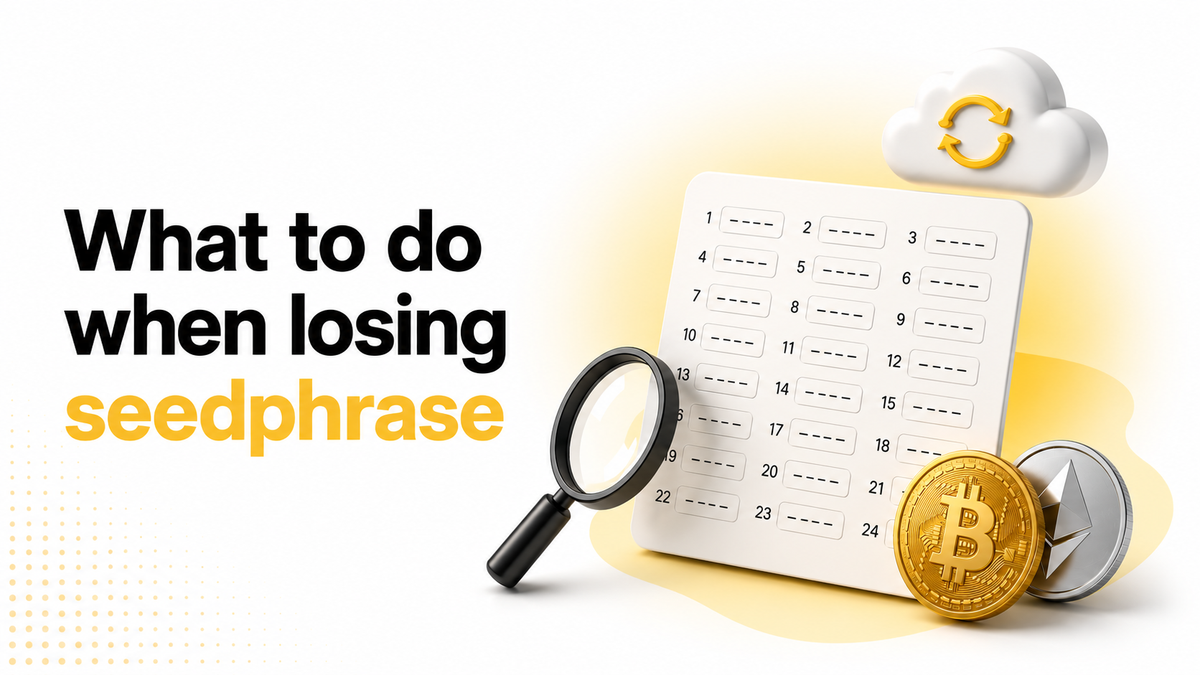
Lost Your Seed Phrase or Private Key? Here's What to Do
What to do when your seed phrase is gone? This guide covers every step — from partial recovery to backup restore.
Between 2.3 and 3.7 million Bitcoin are estimated to be permanently inaccessible due to lost credentials, according to Ledger analysts in early 2025. Most of those losses were not from hacks — they were from users locked out of wallets they owned.
The situation is not always permanent. This guide covers every recovery option available for hot, non-custodial wallets — in order from most to least likely to work.
Before anything else: avoid online recovery services
Recovery scams are among the most common fraud vectors in crypto. Red flags, per CoinTelegraph's 2025 reporting:
- Upfront fees before any recovery attempt
- Guarantees of 100% success
- Contact only via Telegram or Gmail with no verifiable business presence
- Requests for your seed phrase as part of the "recovery" process
Legitimate firms work on contingency — a percentage of recovered funds, only if they succeed. Any service asking for payment upfront is worth treating with serious caution.
Step 1: Search everywhere before assuming it's gone
Many "lost" seed phrases turn up once the owner searches methodically. Before concluding access is permanently gone, check every location where the phrase could exist:
- Password managers, email drafts, cloud notes, and screenshots folders
- Old phones, tablets, or laptops that may still have the wallet app installed and unlocked
- USB drives, external hard drives, and physical notebooks, drawers, or document folders
Note that if the wallet app is still installed and you can still access your wallet, your funds are not lost — only the backup copy of the seed phrase is missing. Before doing anything else, check whether the wallet supports exporting the seed phrase:
- If the wallet supports seed phrase export — most non-custodial wallets do — navigate to the wallet's security or backup settings and export the seed phrase from there. Write it down immediately in a secure physical location. In Coin98 Super Wallet, you can retrieve your seed phrase directly from the app — refer to the Coin98 guide to retrieve seed phrase for instructions.
- If the wallet does not support seed phrase export — create a new wallet with a freshly generated seed phrase, back it up properly, and transfer your funds across to the new wallet.
Step 2: Try to recover a partial seed phrase
If you have most of your words but are missing 1 or 2, recovery may still be possible. Non-custodial wallet apps that include a recovery tool can brute-force the missing words by checking all possible combinations against your known words and target wallet address.
Coin98 Super Wallet includes a built-in Seed Phrase Recovery Tool that supports this — covering up to 2 missing words across 12, 15, 18, 21, and 24-word phrases on 100+ blockchains. You provide the words you know in their correct positions, specify the blockchain and wallet address, and the tool works through the remaining combinations automatically. See the Coin98 Seed Phrase Recovery Tool documentation for step-by-step instructions.
If you are missing more than 2 words, the number of possible combinations grows too large to brute-force reliably through any consumer tool.
Step 3: Restore from a wallet backup
If you made a backup of your wallet before losing the seed phrase, this is the most straightforward recovery path. The type of backup determines how you restore:
Cloud backup — some wallets offer encrypted cloud backup tied to your iCloud or Google Drive account. If you enabled this, open the wallet app, navigate to the backup or restore section, authenticate with your cloud account, and enter the backup password you set at the time. The wallet data is typically encrypted on your device before upload, meaning the wallet provider never holds the plaintext — but the backup password is required. Without it, the backup cannot be decrypted.
Coin98 Super Wallet's Cloud Backup works this way — encryption happens on-device before anything reaches iCloud or Google Drive. Coin98 cannot recover a forgotten backup password by design. For setup and restore instructions, refer to the Coin98 Cloud Backup documentation.
Local wallet file — some desktop wallets store an encrypted file on your device or in a synced folder. If you have a copy of this file and partially remember the password, specialist tools can attempt to brute-force it.
Step 4: Professional recovery as a last resort
If none of the above apply, professional recovery firms exist but have a narrow scope. Most are designed for recovering stolen assets or wallet files with forgotten passwords — not for reconstructing a fully lost seed phrase from nothing.
We suggest only engaging firms with verifiable public track records, published case studies, and contingency-based pricing. Avoid any service that cannot demonstrate prior successful recoveries independently.
The honest answer
If you have no partial seed phrase, no backup, no wallet file, and no device with the app still accessible — the funds in that wallet are permanently inaccessible. No company, court order, or blockchain reset can override the cryptographic design of non-custodial self-custody.
This outcome is preventable — but only before it happens.
What to do right now
If you still have wallet access, the time to act is now:
- Enable a cloud backup in your wallet app — Coin98 Super Wallet's Cloud Backup takes under five minutes to set up; store the backup password separately from the seed phrase itself
- Write the seed phrase in permanent ink on paper; store copies in at least two separate physical locations
- Verify your backup restores correctly using the restore flow on a fresh install before you need it
For a detailed guide on what to avoid when storing a seed phrase, we suggest reading Common Mistakes When Storing Your Seed Phrase and Private Key.
Frequently Asked Questions
Can I recover a non-custodial wallet with no seed phrase / private key at all?
In most cases, no. Without a seed phrase / private key, partial phrase, backup, or local wallet file, there is no cryptographic path back to the private keys. The only realistic exception is if the wallet app is still installed and you can access your wallet in it — in which case the keys may still be stored locally.
What if I remember the words but not the correct order?
Most recovery tools require correct word positions, not just the words themselves. Without knowing the order, the permutation count grows extremely fast — 12 words in unknown order exceeds 479 million combinations. This scenario is significantly harder and may not be solvable with consumer tools.
Is a cloud wallet backup safe to use?
It depends on the implementation. A well-built cloud backup encrypts the wallet data on your device before upload — meaning the provider never receives the plaintext. The backup is then protected by a password only you know. Coin98 Super Wallet's Cloud Backup follows this approach; Coin98 cannot access or recover the data without your password.
What should I do if my seed phrase was stolen rather than lost?
Transfer all funds to a fresh wallet with a new seed phrase immediately. An attacker with your seed phrase can drain the wallet at any time — speed is the priority. Do not wait to confirm whether the exposure was real.