What is a Hardware Wallet? Your Final Shield in Web3 Security
Learn what a hardware wallet is and why it's essential for securing your crypto. Discover how to connect Ledger or Trezor to Coin98 for ultimate DeFi safety.
Your Final Line of Defense: Why Hardware Wallets Are Non-Negotiable
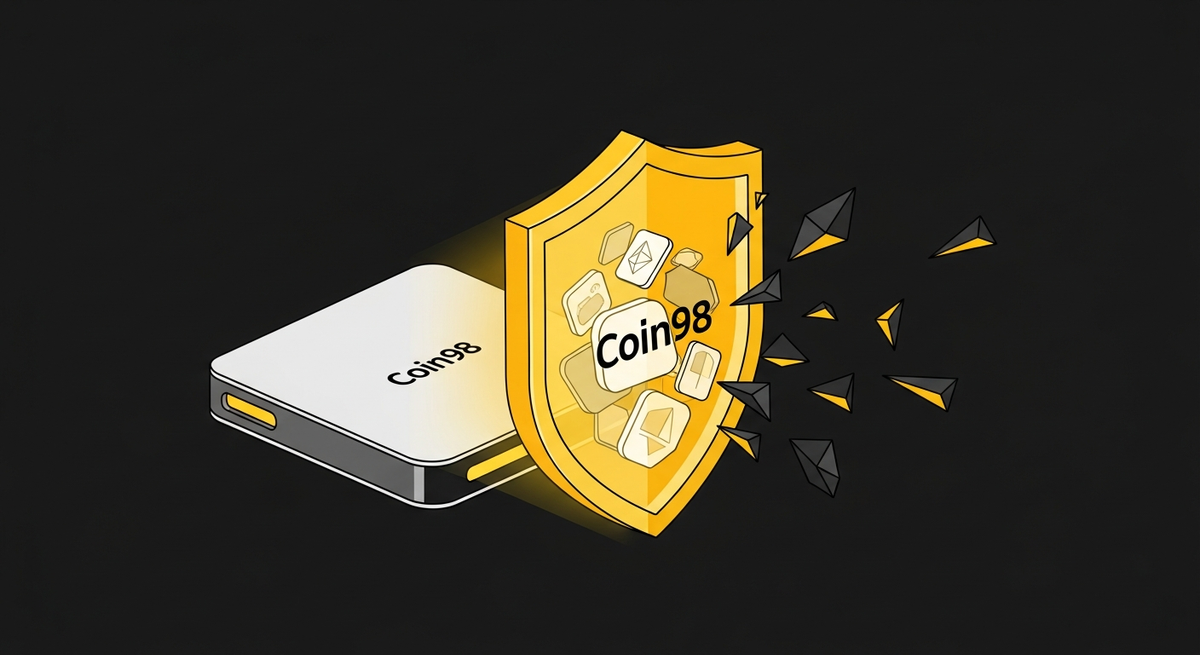
If you're holding more crypto than you're comfortable losing, a software wallet alone is not enough. While convenient, hot wallets are perpetually connected to the internet, making them a target for sophisticated phishing attacks and malware. For serious investors and builders, asset security isn't a feature; it's the foundation. It's time we discussed your final line of defense: the hardware wallet.
Often called a cold wallet, a hardware wallet is a physical device designed for one primary purpose: to keep your private keys completely offline and isolated from any internet-connected device. Think of it as the digital equivalent of a bank vault, while your software wallet is the cash in your pocket. You need both, but you don't store your life savings in your pocket.
How Does a Hardware Wallet Actually Protect You?
The magic of a hardware wallet lies in a simple but powerful principle: transaction signing happens inside the device. Your private keys, which grant access to all your funds, never leave the secure chip within the wallet.
Here’s the process, simplified:
- Initiation: You start a transaction (like sending ETH or swapping tokens) on a software interface, such as the Coin98 Super Wallet.
- Transmission: The transaction details are sent to your connected hardware wallet. Your private keys are NOT sent.
- Offline Signing: Inside the secure, offline environment of the hardware wallet, the transaction is cryptographically signed using your private key.
- Physical Confirmation: This is the critical step. You must physically press a button on the device to approve the signed transaction. This action makes it impossible for a remote hacker to drain your funds, even if your computer is completely compromised.
- Broadcast: Only the signed, approved transaction is sent back to the software wallet to be broadcast to the blockchain network.
In short, even if a hacker can see your screen and log your keystrokes, they cannot press the physical button on your hardware wallet. This is the air-gap security that makes all the difference.
The Market Leaders: Ledger vs. Trezor
When it comes to hardware wallets, two names dominate the market: Ledger and Trezor. Both are excellent choices, but they follow different security philosophies.
Ledger
Ledger devices (like the Nano S Plus and Nano X) are known for their Secure Element chip. This is a type of hardened microcontroller similar to what’s used in passports and high-security credit cards, designed to withstand sophisticated physical attacks. They offer broad support for thousands of assets across numerous blockchains.
Trezor
Trezor’s main advantage is its commitment to being fully open-source. Both its hardware and software are transparent, allowing security researchers worldwide to audit the code for vulnerabilities. This transparency builds a high level of trust within the developer community.
Which one is better? There's no single answer. It's a trade-off between Ledger's physically robust, closed-source chip and Trezor's transparent, open-source approach. At Coin98, we support both, empowering you to choose the security model you trust most.
The Missing Piece: A Powerful Interface for Your Digital Vault
A hardware wallet is the ultimate vault, but a vault is useless without a secure door to the outside world. You need a powerful, multi-chain software interface to interact with the vibrant world of DApps, DeFi, and NFTs. This is where the Coin98 Super Wallet excels.
While native apps like Ledger Live are great for basic asset management, they often lack the agility and comprehensive multi-chain support needed for serious DeFi participation. Connecting your hardware wallet to the Coin98 Extension transforms it from a simple storage device into a secure command center for all your Web3 activities.
How to Connect Your Ledger or Trezor to Coin98 Extension
Pairing your hardware wallet with Coin98 gives you the best of both worlds: the ironclad security of cold storage and the seamless user experience of a top-tier hot wallet. Here’s how to do it.
Prerequisites:
- Your Ledger or Trezor device, initialized and ready.
- The latest version of the Coin98 Extension installed on your browser.
- For Ledger: Ensure the Ledger Live app is closed to avoid conflicts, and the Ethereum (ETH) app is installed on your device.
- For Trezor: Ensure Trezor Bridge is installed and running.
Step-by-Step Guide:
- Open Coin98 Extension: Click the Coin98 icon in your browser toolbar.
- Add Wallet: Click the wallet icon in the top left, then select “Add Wallet”.
- Choose Hardware Wallet: Select either the Ledger or Trezor icon from the list of wallet types.
- Connect Your Device: Plug your hardware wallet into your computer and unlock it with your PIN. Open the required app on the device (e.g., Ethereum app for Ledger).
- Select Blockchain & Account: Choose the blockchain network you want to interact with (e.g., Ethereum, BNB Chain). Coin98 will display a list of addresses derived from your device. Select the address(es) you wish to import and click “Add Wallet”.
That's it! Your hardware wallet address will now appear in your Coin98 wallet list, clearly marked with a “Ledger” or “Trezor” label. You can now navigate to the Coin98 Exchange to swap tokens or connect to any DApp. Every time you initiate a transaction, you will be prompted to verify and confirm it directly on your physical device.
Take Your Security Seriously
In Web3, you are your own bank. This freedom comes with immense responsibility. A hardware wallet is not a luxury; it's a fundamental piece of your security infrastructure if you plan to build long-term wealth in this space.
By combining the physical security of a Ledger or Trezor with the multi-chain power of the Coin98 Super Wallet, you create a fortress for your digital assets without sacrificing usability. Stop taking unnecessary risks with your portfolio.
Ready to build your fortress? Download the Coin98 Super Wallet and connect your hardware wallet today to experience the safest gateway to Web3.
Frequently Asked Questions (FAQ)
What is a hardware wallet?
A hardware wallet is a physical device that stores your cryptocurrency's private keys completely offline, isolating them from internet-connected devices. It acts as a "cold wallet," providing superior security against online threats like phishing and malware for your digital assets.
How does a hardware wallet protect my crypto?
It protects your crypto by keeping private keys offline and signing transactions internally. You must physically confirm each transaction on the device by pressing a button. This "air-gap" security prevents remote hackers from accessing your funds, even if your computer is compromised.
Why should I use a hardware wallet instead of a software wallet?
Software wallets are always online, making them vulnerable to sophisticated attacks. Hardware wallets offer a "final line of defense" by keeping your private keys offline, requiring physical confirmation for transactions. This significantly reduces the risk of theft compared to software-only solutions.
Can a hardware wallet be hacked remotely?
No, a hardware wallet cannot be hacked remotely to drain funds. Its core security relies on private keys never leaving the device and requiring a physical button press for transaction approval. This design protects your assets even if your connected computer is compromised.