How Deepfake Crypto Scams Work and How to Protect Yourself
A single deepfake operation stole $400M in 18 months. Learn how these AI scams work and how to stop them before you send funds.
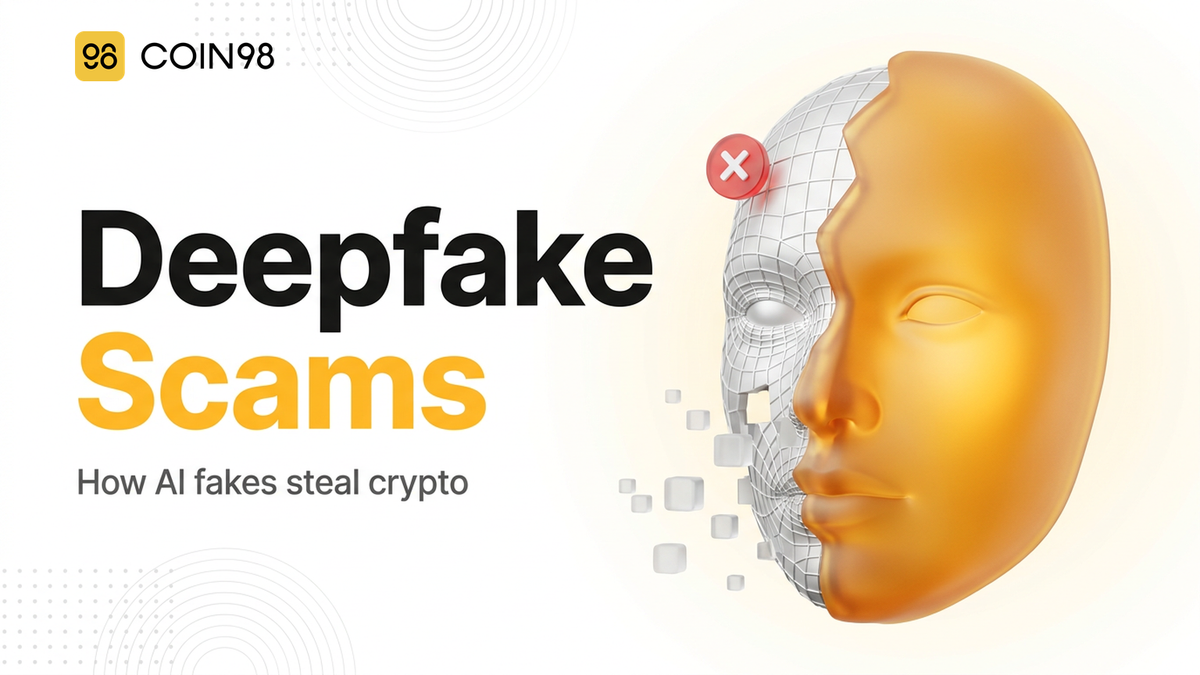
You join a Zoom call with someone who looks and sounds exactly like your colleague, your project lead, or even a government official — and by the time you realize it was an AI-generated deepfake, the funds are gone. Deepfake crypto scam losses exceeded $3.7 billion globally between 2024 and mid-2026, and crypto-specific deepfake incidents grew 217% year-over-year. This article breaks down how these attacks work, how to spot them, and what to do if you've already been targeted.
What a Deepfake Crypto Scam Is and Why It's Surging
A deepfake crypto scam uses AI-generated video or audio to impersonate a trusted person — a colleague, executive, exchange representative, or government official — and convince you to send funds, share credentials, or install malware. The person on screen looks real because they often are real: attackers build a synthetic identity from public social media videos, photos, and recorded calls.
In 2025 alone, AI-related investment scam losses totalled more than $632 million in complaints filed with US law enforcement. Government-impersonation deepfakes grew 1,400% that year. The average payment extracted in a single deepfake incident reached $2,764 — a 253% increase year-over-year — and there's roughly one deepfake attempt every five minutes globally.
These attacks work because humans accurately identify AI-generated video only 0.1% of the time. Voice cloning, real-time face swapping, and trained speech rhythms have crossed a threshold where instinct can't be relied on. That's not a shortcoming of individual users; it's the product of tools that cost attackers almost nothing while generating 4.5 times the revenue per operation compared to traditional scams.
Crypto is a natural target. Transactions are irreversible, wallets hold concentrated value, and the decentralized space normalises video calls for investment pitches, job interviews, and product demos — giving attackers a broad, low-suspicion attack surface.
How the FaceStealer Playbook Works, Step by Step
The most detailed public blueprint for a deepfake crypto scam comes from the FBI and DOJ's November 2026 takedown of an operation called FaceStealer, attributed to the North Korean Sapphire Sleet group, a Lazarus offshoot. The operation stole $400 million in 18 months and left a trail of more than 900 webcam videos of victims. DOJ seized the cloud infrastructure on November 12, 2026.
FaceStealer ran a six-stage playbook:
| Stage | What happens |
|---|---|
| 1. Device compromise | Phishing or supply-chain attack gets malware onto a target's machine, beginning silent data collection |
| 2. Chat account hijack | Credentials harvested; attacker gains access to the victim's Slack, Discord, or Telegram |
| 3. Fake meeting invite | Victim's contacts receive calendar invites from typo-squatted domains (e.g., uu01webzoom.us, teams.livemeet.us) that look like legitimate Zoom or Teams links |
| 4. Stored footage loop | On the call, the attacker replays stored webcam footage of the victim to appear as them, lowering the contact's guard |
| 5. Malware delivery | A fake "audio driver update" prompt appears mid-call; clicking it deploys a second-stage payload |
| 6. Contact chain expansion | The newly compromised contact becomes the next impersonation source, sending fake invites to their own network |
Stage 4 is what makes FaceStealer different from a simple phishing kit. The attacker doesn't need a convincing live face swap — they just replay your own previous webcam footage while they talk. The call looks completely natural because it is you.
Stage 3 is where most people could have stopped it. Both uu01webzoom.us and teams.livemeet.us are plausible-looking domains. Unless you check the full domain character by character — or use a password manager that flags the mismatch — you'd click through.
For self-custody holders, social engineering attacks targeting crypto wallet users continue to be the most common vector precisely because they bypass all wallet-level security. A hardware wallet doesn't protect you if you approve a malicious transaction after a deepfake call convinced you it was legitimate.
How to Spot and Stop a Deepfake Scam Before You Send Funds
Spotting a deepfake video call is possible, but you need to look actively rather than passively. The visual tells are subtle:
During a suspicious call, watch for:
- Facial edges that blur or smear slightly when the person turns their head
- Lighting on the face that doesn't match the room behind them
- Unnatural blinking — too infrequent, too mechanical, or missing entirely
- Lip sync that lags the audio by a fraction of a second
- Audio that sounds slightly compressed, with no ambient room noise
- Speech rhythm that feels off — pauses in the wrong places, or a cadence that's unnaturally smooth
None of these signals alone is proof, but two or more together warrants verification before you take any action.
Verification moves that break a deepfake:
- Ask the person to turn their head 90° to profile view — most real-time face swaps fail or distort noticeably at sharp angles
- Ask them to wave a hand slowly between their face and the camera — the hand-over-face transition exposes edge rendering artifacts
- Ask them to hold up an object near their face — text on the object often warps or blurs in AI video
- End the call and contact the person through a completely separate channel (call their direct mobile number, send a Signal message) to confirm the meeting was real
Domain and link hygiene:
- We suggest joining Zoom or Teams calls only through the official desktop app using a meeting ID, not by clicking a link in email or chat
- Before joining, type the domain character by character into the browser address bar and check every letter — typo-squatted domains rely on you not doing this
- We recommend pre-agreeing on code words with close colleagues or family for any communication involving fund transfers or sensitive credentials
Wallet security:
Keeping funds in a self-custody wallet significantly limits the blast radius of a successful attack, since an attacker on a video call can't reach your on-chain assets without your private key or a signed transaction you approve yourself. Coin98 Super Wallet includes a Wallet Approval feature that lets you review and revoke existing dApp token allowances — worth checking periodically, and especially after any suspicious interaction. Coin98 AI Wallet includes built-in fraud detection capabilities through Cypheus Assistant, the wallet's AI layer, which can help surface unusual approval requests before you sign.
Additional steps worth considering:
- Store significant crypto on a hardware wallet, not a browser extension
- Enable MFA on every chat application — Telegram, Discord, Slack — before an attacker can hijack the account for Stage 3 of the FaceStealer playbook
- Avoid running scripts or pasting terminal commands during a video call; legitimate software updates don't happen through the meeting interface
For a broader overview of how social engineering tactics target crypto users, that guide covers the full range from phishing to romance scams alongside the AI-enabled variants.
What to Do If You've Already Been Targeted
If a call felt wrong after the fact — or if you clicked something, approved a transaction, or transferred funds based on a video interaction you now doubt — the first hours matter most.
Immediate steps:
- Revoke all wallet approvals — open your wallet's approval manager and revoke any dApp permissions granted recently. In Coin98 Super Wallet, the Wallet Approval feature surfaces these in one view.
- Move assets — transfer remaining funds to a fresh wallet address not associated with the compromised session.
- Lock compromised accounts — change passwords on every chat application the attacker may have accessed, enable MFA if not already on, and log out all other sessions.
- Isolate the device — if you ran a script or installed anything during the call, disconnect the device from the network and treat it as potentially compromised until it's been scanned or wiped.
- Document everything — screenshot the meeting invitation, the domain, any chat messages, and the transaction hash if funds moved. This is your evidence trail for reporting.
- Report — file a complaint with your national cybercrime authority (FBI IC3 in the US) and notify the exchange or bridge if funds passed through it. Some exchanges can flag addresses or freeze accounts if contacted quickly.
For a full recovery walkthrough, this immediate action guide for crypto scam victims covers asset recovery options, reporting channels, and how to manage on-chain evidence.
It's also worth reviewing your exposure to pig butchering scams, which frequently use deepfake video to build trust in longer-con investment fraud. The techniques overlap significantly.
If the meeting invitation came from a contact's compromised account, let them know immediately. FaceStealer's sixth stage relies on you not telling the impersonated person — breaking the chain is a direct counter to the playbook.
Frequently Asked Questions
Can a deepfake crypto scam happen on a live call, or only pre-recorded?
Both. Pre-recorded footage — as FaceStealer used in its November 2026 operation — is simpler to execute and harder to detect because the video quality is exactly what you'd expect. Real-time face swapping is also commercially available and improving rapidly. The 2025 figures showing 62% of security leaders experiencing deepfake attacks suggest real-time use is already mainstream in targeted campaigns.
How do I know if a Zoom or Teams invite is fake?
Check the full domain character by character — attackers use look-alike domains like uu01webzoom.us rather than zoom.us. We suggest joining through the official desktop app using a meeting ID rather than clicking a web link. If the invite arrived via chat or email from a contact you weren't already scheduled to meet, verify through a separate channel before joining.
Does a hardware wallet protect me from a deepfake scam?
Partly. A hardware wallet protects your private key from remote extraction, so an attacker can't drain your wallet just by infecting your device. But if you're convinced by a deepfake call to approve a transaction and physically confirm it on your device, the hardware wallet won't stop you — the deception happened before the signing step. Verification protocols and dApp approval hygiene matter alongside hardware storage.
What is voice cloning in crypto scams?
Voice cloning uses a few seconds of recorded audio to generate a synthetic voice that sounds like the target. In AI-enabled crypto scams, it's used to impersonate executives on audio calls, inject a known voice into a deepfake video, or leave convincing voicemails. The same verification move applies: hang up and call back on a number you independently verified.
How do I protect my chat accounts from being hijacked for deepfake attacks?
Enable MFA on Telegram, Discord, Slack, and any other chat application. Use a unique strong password for each — a password manager helps. Be cautious of any OAuth connection or bot permission request, as these can maintain access even after a password change. If you receive an unexpected login notification, treat it as an active compromise and revoke all sessions immediately.
Deepfake crypto scams have moved from edge cases to a documented, industrialised threat — $400 million from a single operation, with crypto incident rates up 217% in a year. The attack chain has predictable weak points: domain typos you can spot, verification moves that break real-time face swaps, and wallet approval hygiene that limits damage if something slips through. Coin98 Super Wallet's approval management and built-in AI capabilities give you a practical layer to work with. Check your approvals, verify before you transfer, and trust the process over the face on screen.